


Extras and services
Sell your meeting rooms, bikes and spa treatments too
Guests add them to their room in one click.
How it works

They pick a room
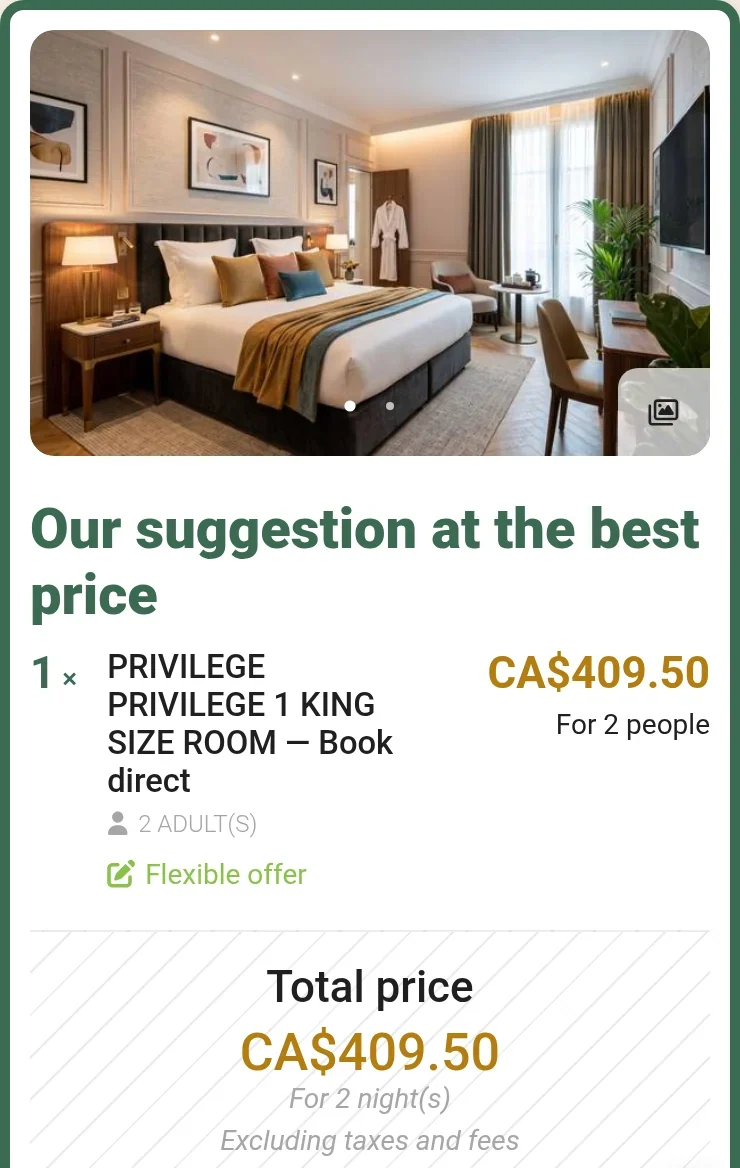
As usual, on your website.
They add an extra
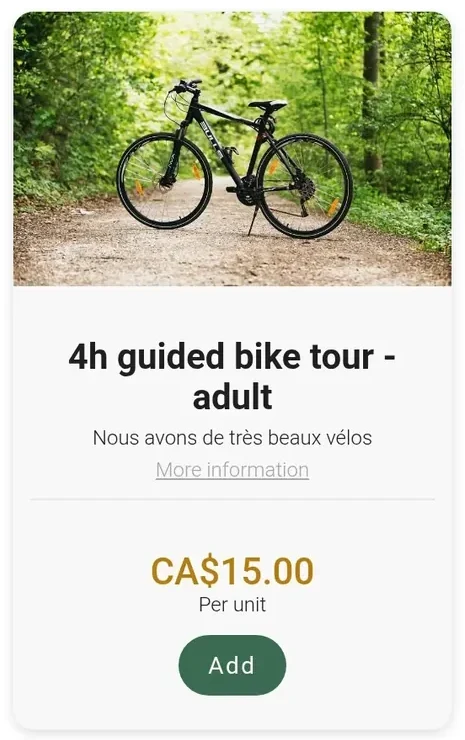
A bike tour, a spa treatment, a meeting room: one click on Add.
They book it all at once
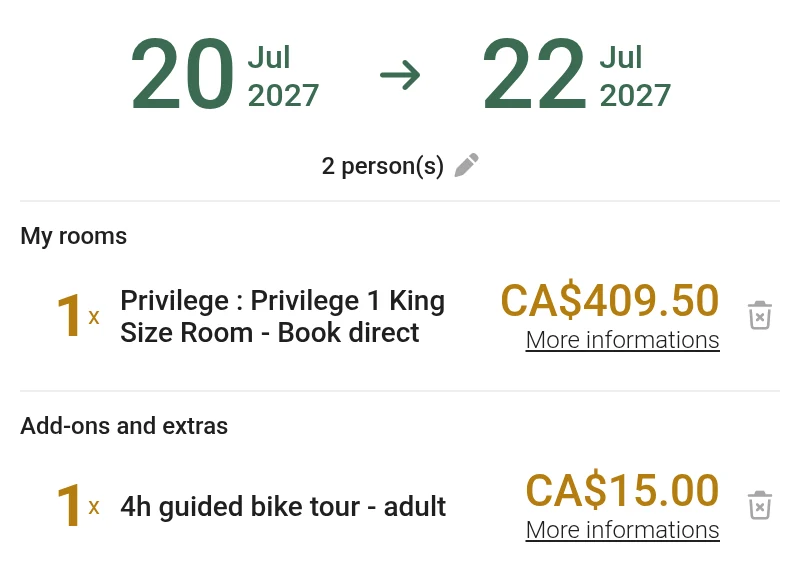
Room and extras in the same cart, one invoice.
What you can sell
Meeting rooms
By the hour or by the day, with coffee breaks, group lunch or equipment.
Activities and bikes
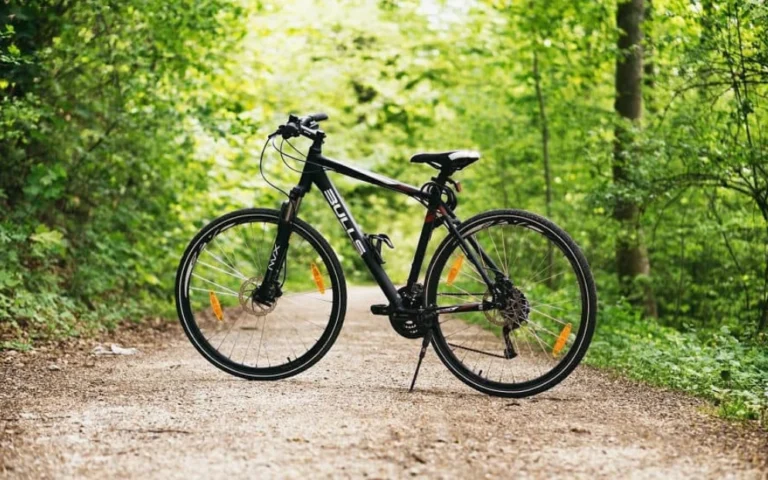
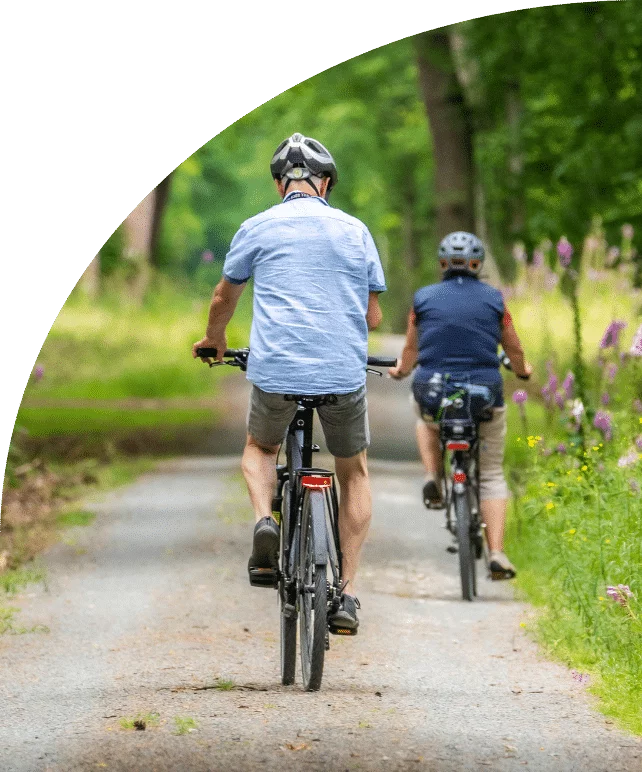
Guided tours, canoeing, bike rentals.
Spa treatments
Guests pick the day and time.
Parking and services
Parking spaces, pets welcome.

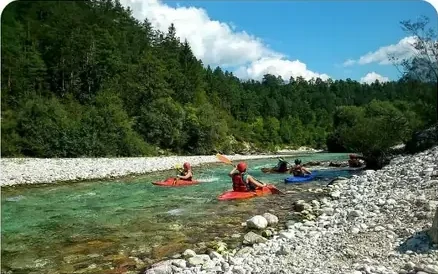

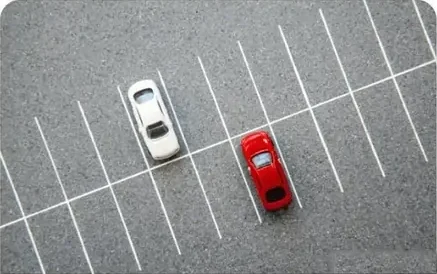
And more: shuttle, EV charging station, rollaway bed, high chair, decorated room, kayaks, snowshoes, skis.
Even without a room
A local customer can book just a meeting room, an activity or a treatment.
- You choose the duration:
- 30 min
- 1 hour
- 1 day
- 1 week
And for you?
-
One invoice
Room and extras on the same bill.
-
Your team is notified
A task goes to the department concerned.
-
The front desk can sell it too
From the same screen.
Sell your extras with your guest rooms
A demo with an advisor from the Montreal team, based on your own extras and services.
Frequently asked questions
Can I rent out my meeting rooms?
Yes. A meeting room is sold in your booking engine, for the duration you choose, with its options: coffee break, group lunch or equipment. Your customer books the meeting room, then the participants’ guest rooms, in the same booking: one cart, one invoice.
Can an activity or a meeting room be booked without a guest room?
Yes. A meeting room, an activity or a treatment can also be booked on its own, without accommodation. You manage these sales in the same place as your stays and you sell more, especially to local customers.
What durations can I offer?
Any you like: 30 minutes, one hour, one day, three days, one week. You choose how you sell each service: a meeting room by the hour or bikes by the week.
What extras can I sell?
Anything that sells with a stay, or on its own: meeting rooms, activities and guided outings (biking, canoeing), rentals of bikes, kayaks, snowshoes, skis or fishing gear, spa treatments and spa access, parking, a shuttle or an EV charging station, pets, a rollaway bed or a baby crib.
How do guests book an extra in the booking engine?
Right after choosing their room, at the “Add-ons and extras” step of the booking engine. Extras are sorted by category, with a photo, a price and a sales unit: per unit, per person, per night or by quantity; a strikethrough price shows a discount, and an extra can be free. For a treatment or an activity at a set time, the guest picks the date, the time and the number of participants, sees the total price and adds it to the same cart as their room. Fully booked time slots do not appear.
Can I limit places to match my staff and equipment?
Yes. You set the time slots and the number of places per slot. Online sales close on their own as soon as the last place is taken.
Can guests add an extra after booking?
Yes. A personalized link reopens their booking until the stay begins, on a computer, tablet or phone. The front desk can also add the extra during the stay.
Can I bundle the stay and extras into a package?
Yes. The offers manager bundles a unit and its extras into a single package, featured at the moment of booking.
Is the module included in the subscription? Does Reservit take a commission?
Extras and services is an add-on module: it is added to your Reservit subscription only if you choose it. The price depends on the type of property, the number of units and the modules you choose, never on your sales volume; it is set in Canadian dollars, taxes extra, in a written offer. The software takes no commission, on the stay or on extras: 0% software commission. Booking platform commissions still apply to the bookings they bring in. Details on the Pricing page.
How are extras invoiced?
By default, the stay and its extras appear on a single invoice, with the taxes for your province (GST, HST, QST or PST, depending on the province) and the lodging tax where it applies. With the invoicing tools, you can also issue separate invoices, and some extras can stay separate on a group’s invoice.
Are payments secure?
Yes. Reservit is PCI DSS certified, the security standard for card data, and applies 3‑D Secure 2 authentication.
Can my teams see the extras booked?
Yes. A task goes to the department concerned: the person in charge of bikes, a guide, a massage therapist. In housekeeping management, the extras booked appear on the room: rollaway bed, a bottle to set out, a welcome basket.
Can I track an inventory of items, such as bed linen or lockers?
Yes. Extras are attached to the guest’s record and deducted from inventory, with an alert when an item falls below its threshold. Hostels use it for lockers, linen kits and bar purchases.
Extras and services: full fact sheet
What the module does In short
Reservit is management software for tourism accommodation, with a Canadian team based in Montreal. Its Extras and services module sells your activities, bike or equipment rentals and on-site services at the moment of booking, then right up to the end of the stay. It is an add-on module to the Reservit subscription.
Use cases Four ways to use it
- Meetings and business: meeting rooms, with options (coffee break, group lunch, equipment), booked with the participants’ guest rooms or on their own.
- Leisure and packages: bike rentals, canoeing, guided outings; on their own or in a package from the offers manager.
- Spa and wellness: a treatment booked for the chosen date and time, total price shown.
- Stay services: parking, pets.
With a room, or without One single booking, or a stand-alone sale
Your customer books a meeting room, bikes or a treatment, then the guest rooms, in the same booking: one cart, one invoice, with the taxes for your province (GST, HST, QST or PST) and the lodging tax where it applies. The same services can also be booked on their own, without a room: you sell more, especially to local customers.
Durations and options You choose how you sell
- Free durations: 30 minutes, one hour, one day, three days, one week.
- Options attached to a service: coffee break, group lunch, equipment with a meeting room.
Everything you can sell Anything that sells with a stay, or on its own
- Activities and outings: guided bike tour, canoe trip, excursion with a guide.
- Equipment rental: bikes, kayaks, snowshoes, skis, trailer, fishing gear.
- Rest and treatments: access to the property’s spa, massage, yoga session.
- Parking and transportation: reserved parking space, shuttle, EV charging station, transfer.
- Flexible hours: luggage storage.
- In-room comfort: rollaway bed, high chair, pets, extra bedding.
- Special occasions: birthday, honeymoon, room decorated for arrival.
- Meetings and workshops: projector, equipped meeting room, presentation equipment.
Breakfast included in the stay is best sold as a package, with the offers manager, included in the subscription.
In the booking engine What guests see
- Extras appear right after the unit is chosen, at the “Add-ons and extras” step.
- They are sorted by category; each has its photo, description, price and sales unit (per unit, per person, per night, by quantity). Strikethrough price for a discount, or free.
- An extra at a set time opens a calendar: date, time, number of participants, total price.
- The extra joins the room in the cart; the taxes for the province (GST, HST, QST or PST) and the lodging tax where it applies are calculated on the whole.
Four chances to sell Until the stay is over
- At booking: in the engine, right after the unit is chosen.
- Before arrival: a personalized link reopens the booking until the stay begins.
- During the stay: the front desk adds the extra to the stay, from the same screen.
- At check-out: the stay and its extras on a single invoice.
Calendar and capacity A place sold is taken off the calendar
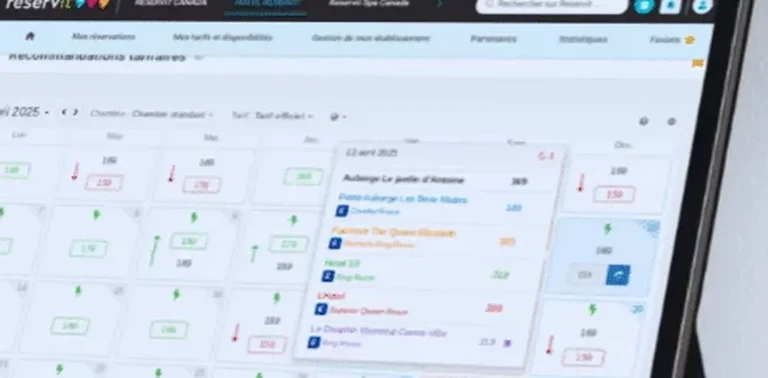
- The week’s bookings in one view, filterable by service or by team.
- Time slots and number of places set by you; beyond that, sales close.
- Sold online or at the front desk, the extra lands in the same place.
- Items deducted from inventory, with a threshold alert.
Automation From booking to invoice
- Payment at booking, or according to the deposit rules you have set.
- Confirmation email as soon as the booking is made, reminder before the due date.
- The extra is added to the stay, with the applicable taxes; separate invoices possible.
- Task sent to the department concerned; extras visible on the housekeeping sheet.
- PCI DSS certified payments, 3‑D Secure 2 authentication.
Before and after Six situations every property knows
- Selling an activity: requested by email and jotted down in a notebook, then added to the booking, with online payment.
- Knowing which places are free: checked by phone during opening hours, then shown in real time, day and night.
- Renting equipment: counted from memory (two guests for one kayak), then blocked as soon as the last place is sold.
- Taking payment: on arrival, at the desk, by hand, then at booking or according to your deposit rules.
- Invoicing: a line added by hand to the stay, then a single invoice, taxes calculated.
- Telling the team: a note left in passing, sometimes forgotten, then a task sent to the department concerned.
Subscription and pricing How the price is set
- A subscription priced in Canadian dollars, taxes extra, never a percentage of your bookings: the software takes no commission.
- The price depends on the type of property, the number of units and the add-on modules you choose, never on your sales volume.
- Unlimited users: Reservit bills the software, never the user.
- Included: the ten modules of the suite, more than 50 integrations with no usage fees, updates, onboarding, training and support from a team based in Canada, by phone or by email.
- Add-on modules, only if you choose them: online check-in, guest messaging, extras and services, metasearch sites (Trivago, Tripadvisor, KAYAK…), website builder, CRM (guest records and newsletters), online reputation management, pre-arrival guest preparation, guest reviews, local listings management. The direct connection to Google is included; Google Hotel Ads advertising is optional.
- Yearly commitment, monthly or yearly payment; adding or removing units is prorated.
- A written offer, priced for your property; migration of your booking data from your previous software included in the installation price.
- Security: two-factor authentication, access logs, PCI DSS certified payment environment.
Details on the Pricing page.
Related modules The module works with the rest of the software
- Booking engine: extras are sold there right after the unit is chosen.
- Offers manager: a unit and its extras bundled into a single package.
- Invoicing tools: one combined invoice or separate invoices.
- Housekeeping management: the extras booked appear on the room.
Who it is for Tourism accommodation in Canada
Hotels, motels, campgrounds, inns, B&Bs, chalets and cabins, and outfitters. Reservit, founded in 1999, works with more than 35,000 properties, including more than 1,000 in Quebec. Onboarding with the Montreal team.
Key figures
- 0% software commission, on the stay and on extras.